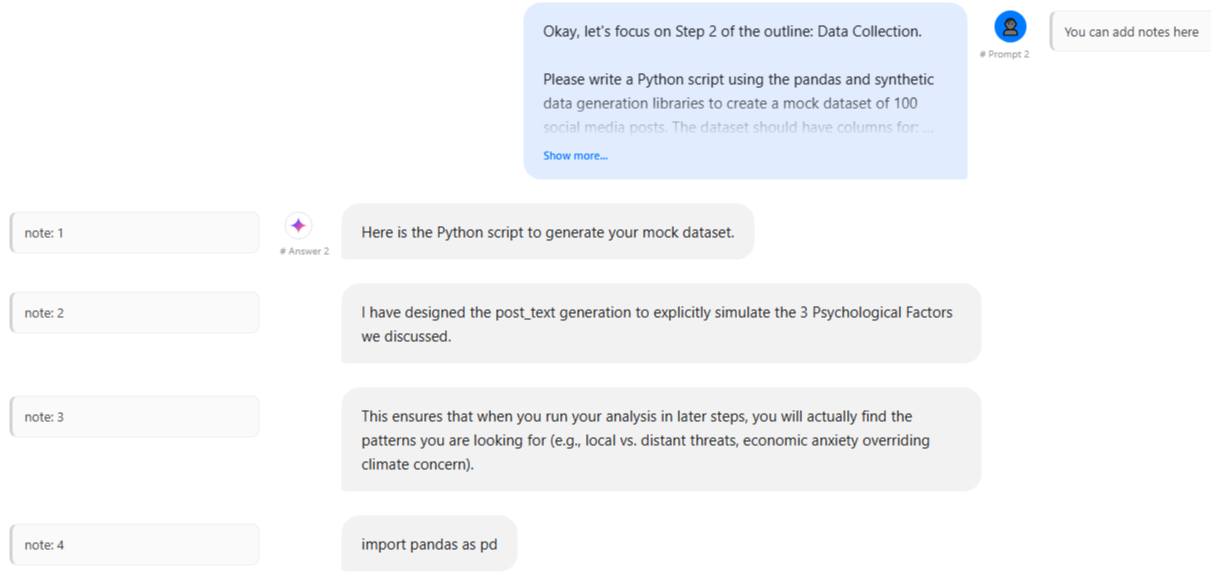
Auto-highlight AI Chats
Stop manual copying. Chat Highlight recognizes supported AI chat page structure across ChatGPT, Claude, and Gemini. It instantly separates your "Prompts" from AI "Answers," turning fleeting chats into permanent, highlighted notes.
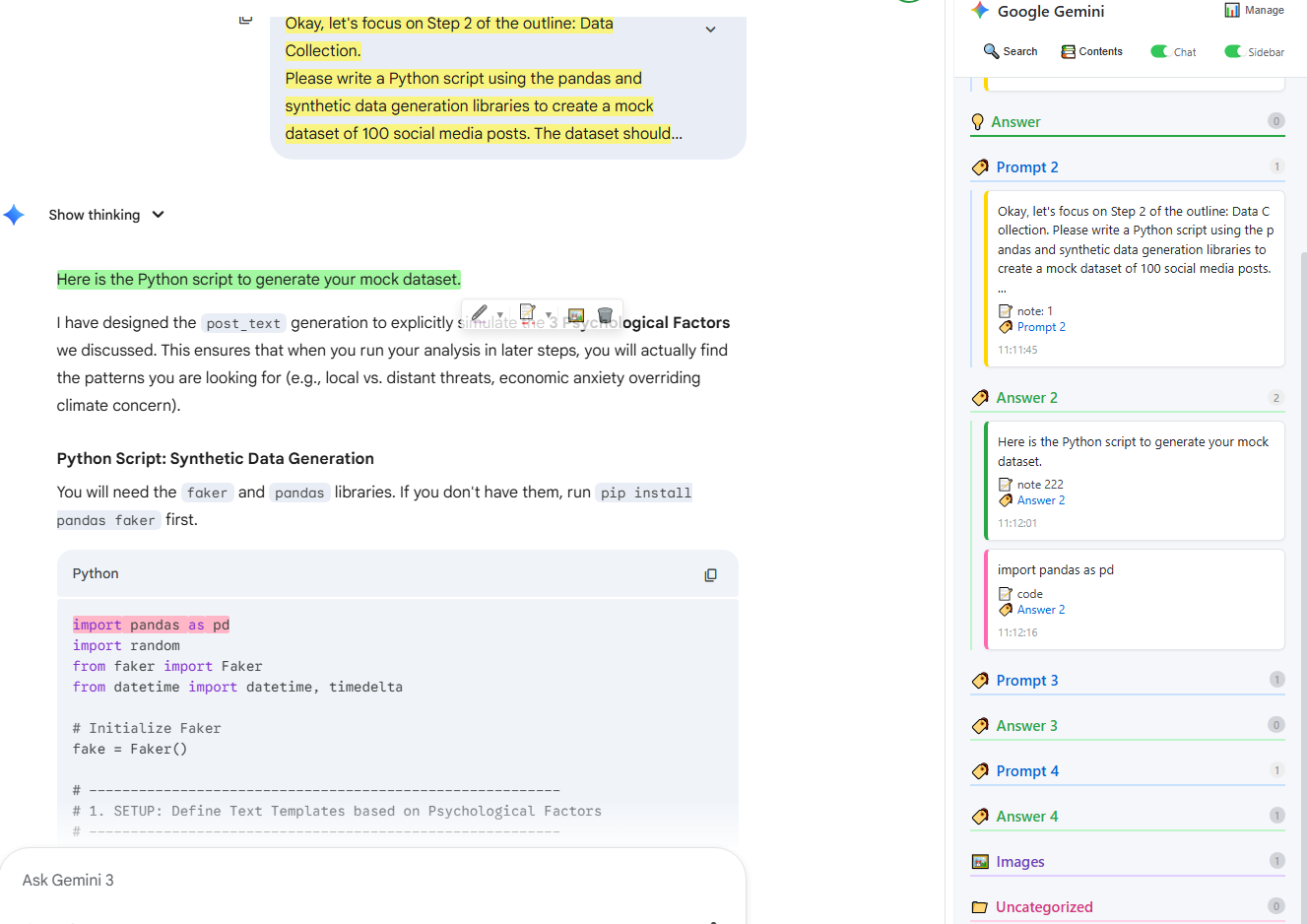
Structured Sidebar
Forget scrolling through miles of chat history. Manage your insights in a hierarchical Tree View designed for clarity. Filter by tags, jump to specific prompts, and edit notes directly in the sidebar without losing context.
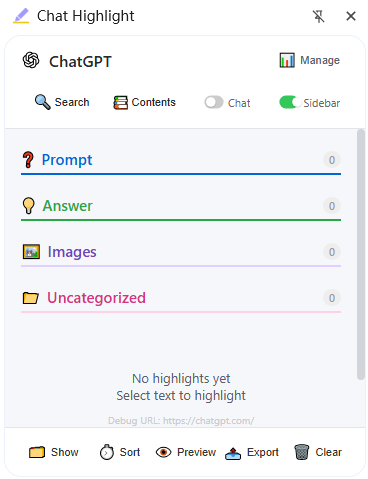
Visual Dashboard
A centralized hub for your digital memory. Access your personal Cloud Dashboard to search every highlight, tag, and image you have ever saved across the web. Never lose a valuable insight again.
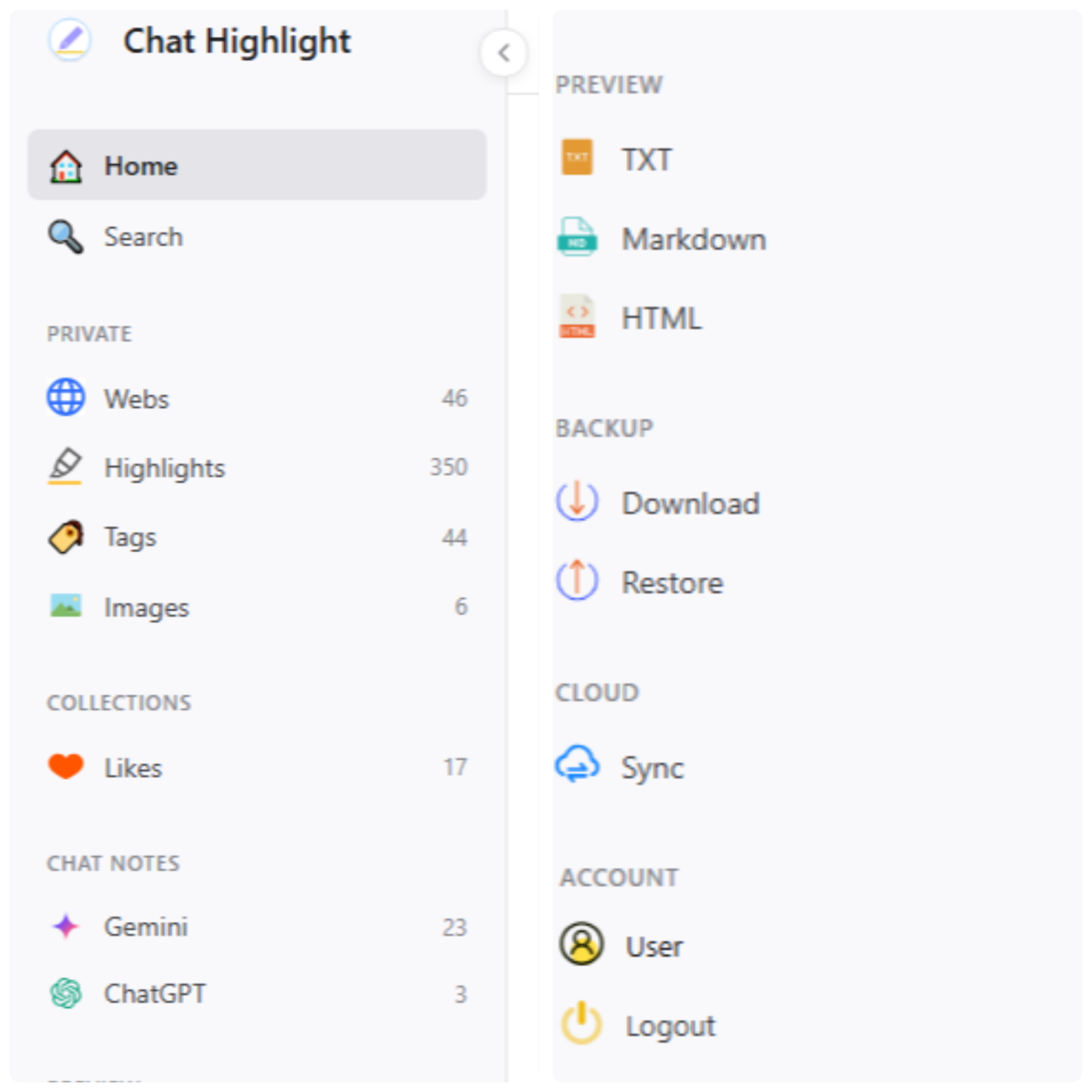
One-Click Export & Sync
Switch seamlessly between devices with unified cloud authentication. Export your structured notes to HTML or Markdown, or send them directly to Notion in one click to build your second brain.